


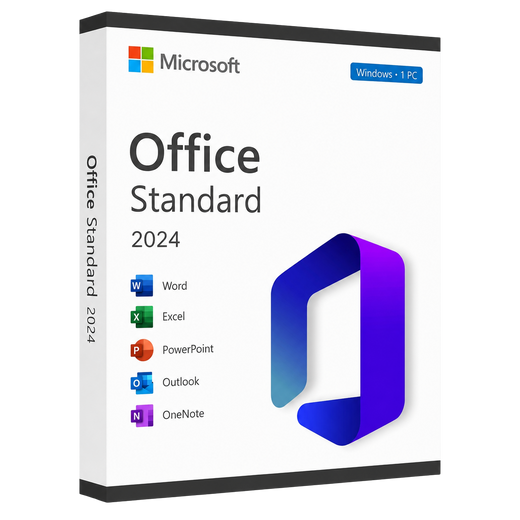
Microsoft Office 2024 Standard
Windows MacWord, Excel, PowerPoint, Outlook, OneNote
€16,99one-off · perpetual licence · download
View product

Office, Windows and Windows Server as a perpetual licence. Your licence key, the download link and a setup guide arrive by email – usually within minutes, within 24 hours at the latest. The invoice comes with them.


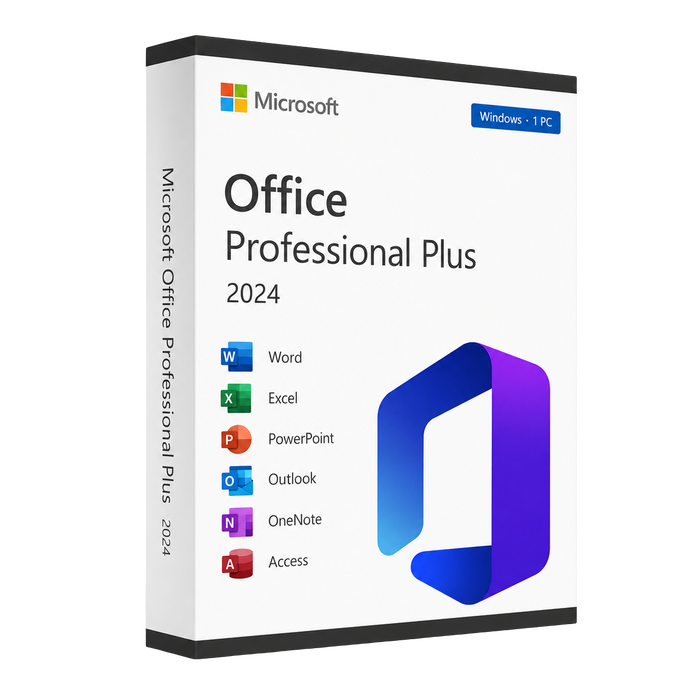
Illustration only. What you receive is a licence: activation code and download link by e-mail, no physical media. Microsoft, Windows and Office are trademarks of Microsoft Corporation. OfficeLicense24 is an independent reseller with no business relationship to Microsoft.
Welcome discount
One click and the voucher is ready – at checkout it is already applied. Prefer to enter it yourself? Copy the code. Valid for Office, Windows and Windows Server.
Office and Windows side by side: drag the cards sideways with the mouse, or swipe on your phone. One click opens the product page.
Three editions of the current Office 2024 generation – pay once, keep it. Prices are pulled live from our range.
Tap a card and the matching column in the table lights up with it.
Word, Excel, PowerPoint, Outlook, OneNote
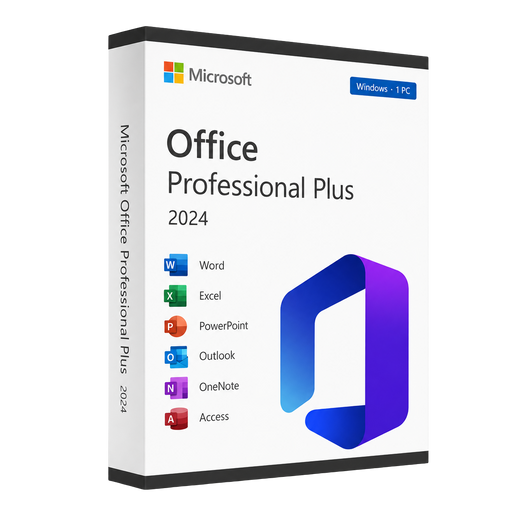
Word, Excel, PowerPoint, Outlook, OneNote, Access
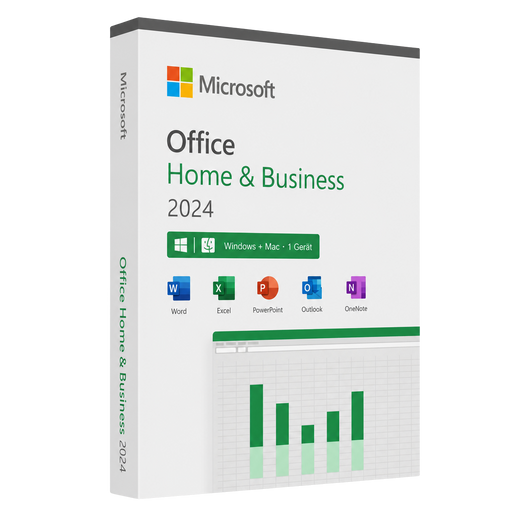
Word, Excel, PowerPoint, Outlook, OneNote
 Word
Word
 Excel
Excel
 PowerPoint
 Outlook
 OneNote
 Access (database)
 For Windows
 For macOS
The right licence in 3 clicks
Answer three short questions – we will show you the matching product with its current price.
This is your match
 Microsoft Office 2024 Standard | Full version | 1 PC | Instant download
€16,99
View product
Microsoft Office 2024 Standard | Full version | 1 PC | Instant download
€16,99
View product
 Microsoft Office 2024 Professional Plus | Full version | 1 PC | Instant download
€19,99
View product
Microsoft Office 2024 Professional Plus | Full version | 1 PC | Instant download
€19,99
View product
 Microsoft Office 2024 Home & Business | Windows & Mac | 1 PC | Download
€199,99
View product
Microsoft Office 2024 Home & Business | Windows & Mac | 1 PC | Download
€199,99
View product
 Microsoft Office 2021 Standard | Full version | 1 PC | Instant download
€9,99
View product
Microsoft Office 2021 Standard | Full version | 1 PC | Instant download
€9,99
View product
 Microsoft Office 2021 Professional Plus | Full version | 1 PC | Instant download
€14,99
View product
Microsoft Office 2021 Professional Plus | Full version | 1 PC | Instant download
€14,99
View product
 Microsoft Office 2021 Home & Business | Windows & Mac | 1 PC | Download
€74,99
View product
Microsoft Office 2021 Home & Business | Windows & Mac | 1 PC | Download
€74,99
View product
 Microsoft Office 2019 Standard | Full version | 1 PC | Instant download
€7,99
View product
Microsoft Office 2019 Standard | Full version | 1 PC | Instant download
€7,99
View product
 Microsoft Office 2019 Professional Plus | Full version | 1 PC | Instant download
€8,99
View product
Microsoft Office 2019 Professional Plus | Full version | 1 PC | Instant download
€8,99
View product
 Microsoft Office 2019 Home & Business | Windows & Mac | 1 PC | Download
€54,99
View product
Microsoft Office 2019 Home & Business | Windows & Mac | 1 PC | Download
€54,99
View product
 Microsoft Office 2016 Standard | Full version | 1 PC | Instant download
€3,99
View product
Microsoft Office 2016 Standard | Full version | 1 PC | Instant download
€3,99
View product
 Microsoft Office 2016 Professional Plus | Full version | 1 PC | Instant download
€4,99
View product
Microsoft Office 2016 Professional Plus | Full version | 1 PC | Instant download
€4,99
View product
 Microsoft Office 2016 Home & Business | Windows & Mac | 1 PC | Download
€44,99
View product
Microsoft Office 2016 Home & Business | Windows & Mac | 1 PC | Download
€44,99
View product
 Microsoft Windows 11 Pro | Full version | 1 PC | Instant download
€9,99
View product
Microsoft Windows 11 Pro | Full version | 1 PC | Instant download
€9,99
View product
 Microsoft Windows 11 Pro | Retail | 1 PC | Download
€15,99
View product
Microsoft Windows 11 Pro | Retail | 1 PC | Download
€15,99
View product
 Microsoft Windows 11 Pro N | Full version | 1 PC | Instant download
€12,99
View product
Microsoft Windows 11 Pro N | Full version | 1 PC | Instant download
€12,99
View product
 Microsoft Windows 11 Home | Retail | 1 PC | Download
€18,99
View product
Microsoft Windows 11 Home | Retail | 1 PC | Download
€18,99
View product
 Microsoft Windows 10 Pro | Full version | 1 PC | Instant download
€8,99
View product
Microsoft Windows 10 Pro | Full version | 1 PC | Instant download
€8,99
View product
 Microsoft Windows 10 Pro | Retail | 1 PC | Download
€13,99
View product
Microsoft Windows 10 Pro | Retail | 1 PC | Download
€13,99
View product
Microsoft Windows 10 Pro | Retail | 1 PC | Download
€13,99
View product
Microsoft Windows 10 Pro | Retail | 1 PC | Download
€13,99
View product
Microsoft Windows 10 Pro | Retail | 1 PC | Download
€13,99
View product
Microsoft Windows 10 Pro | Retail | 1 PC | Download
€13,99
View product
 Microsoft Windows Server 2025 Standard | Full version | Download
€109,99
View product
Microsoft Windows Server 2025 Standard | Full version | Download
€109,99
View product
Microsoft Windows Server 2025 Standard | Full version | Download
€109,99
View product
Microsoft Windows Server 2025 Standard | Full version | Download
€109,99
View product
All licences are perpetual. The licence key and the download link arrive by email – usually within minutes, within 24 hours at the latest.
No shipping, no parcel: you order, you pay, and the licence key, download link and a setup guide arrive by email.
View all licencesWhy buy here
What you get from us – and what you can check for yourself before you buy.
You pay once. The licence does not expire and does not renew itself – there is no subscription for you to cancel.
Every order comes with an invoice on which VAT is shown separately – suitable for your bookkeeping.
The licence key is sent to the email address from your order. Nothing is shipped that you would have to wait for.
8 languages
Pages, guides and support are available in every one of these languages.
31 guides
Every product comes with a guide: download, install, enter the licence key.
If a licence key is not accepted, write to us. We look at the error message and tell you what is behind it.
Exactly what your licence contains is stated on the relevant product page.
Word
Excel
PowerPoint
Outlook
OneNote
 Teams
Access
Teams
Access
These are the payment methods set up in this shop.
The questions we are asked most about ordering, licences and activation – answered briefly and honestly.
Once your payment is confirmed we send the licence key, the download link and a setup guide by email – usually within minutes, within 24 hours at the latest. If you cannot find it, please check your spam folder.
Yes. Every order automatically comes with a proper invoice showing VAT – for businesses and freelancers too.
No. All licences are digital products and are delivered by email – no shipping costs and no waiting for a parcel.
No. You pay once and get a perpetual licence with no expiry date – no subscription and no monthly costs.
A Retail licence can be moved to a new PC when you change computers. A volume licence comes from a volume licensing programme, is the cheapest option and stays tied to the device it was activated on. Each product description says which type you are buying.
With Retail licences, yes: uninstall, activate again on the new machine, done. Volume licences stay tied to the device they were first activated on.
Download the software using the link provided, install it and enter the licence key – activation runs through the built-in Microsoft activation. A step-by-step guide is included with every delivery.
Just get in touch – we will look at your case and help until your software is running.
N versions ship without a pre-installed Windows Media Player. The media features can be added at any time with Microsoft’s free Media Feature Pack – otherwise N versions are identical to the regular edition.
Digital delivery
PLACEHOLDER – this legal text is a draft. Have your lawyer review and replace it before going live.
Please confirm this first, so that we may release your licence key immediately.
Confirmation saved. You can now proceed to checkout.
Last chance
You can only add this now – once you have paid it is too late.